
Feature · Resource Scheduling
The right person for the job, without the chase
Finding who fits shouldn't mean chasing people across spreadsheets, chat, and calendars. Alloxy gives you one live view of who's available, what skills they have, and what they're already on — so you staff the job in the meeting, not after it.
A plan that keeps up with your week
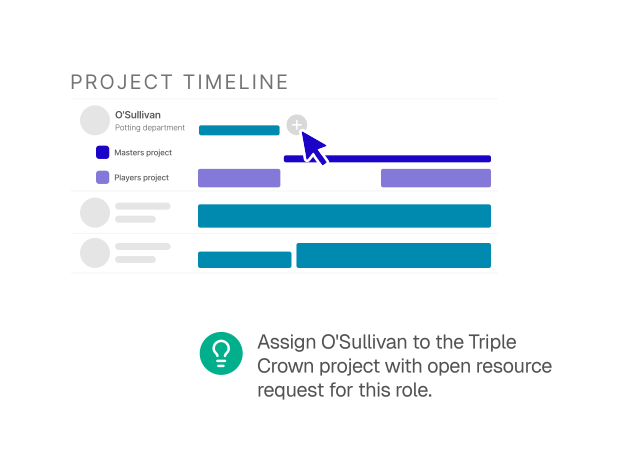
Replanning takes minutes, so the plan stays current instead of drifting out of date. The Timeline is a living plan you edit by dragging — move an allocation to change its dates, pull its edge to resize it, or drag across empty space to add one. No forms, no save-and-reload.
Resource Scheduling
One live plan — by person, role, client, or project.
Capacity you can trust
Part-time contracts, custom schedules, absences, and public holidays all change what someone can take on — and most tools ignore them. Alloxy builds every one into capacity automatically, so what you see reflects reality, not an optimistic average.
Answers in the moment
Who's free next month? Where's capacity tight by role? How is this client staffed? One live plan answers all of them — by person, role, client, or project. Colour-coded indicators flag over-allocation at a glance, and because everyone works from the same plan, double-bookings surface the moment they appear.
More from the team you already have
Overloaded people and idle talent often sit side by side until it's too late to rebalance. Alloxy makes the imbalance obvious early, so you move work to where the capacity is — lifting utilisation and protecting margin before you open a new role.
Plan for work before it lands
Placeholder allocations let you map future work before it's confirmed. Capacity gaps surface weeks ahead instead of on the day they bite — so hiring and reprioritising become early decisions, not scrambles.
More features